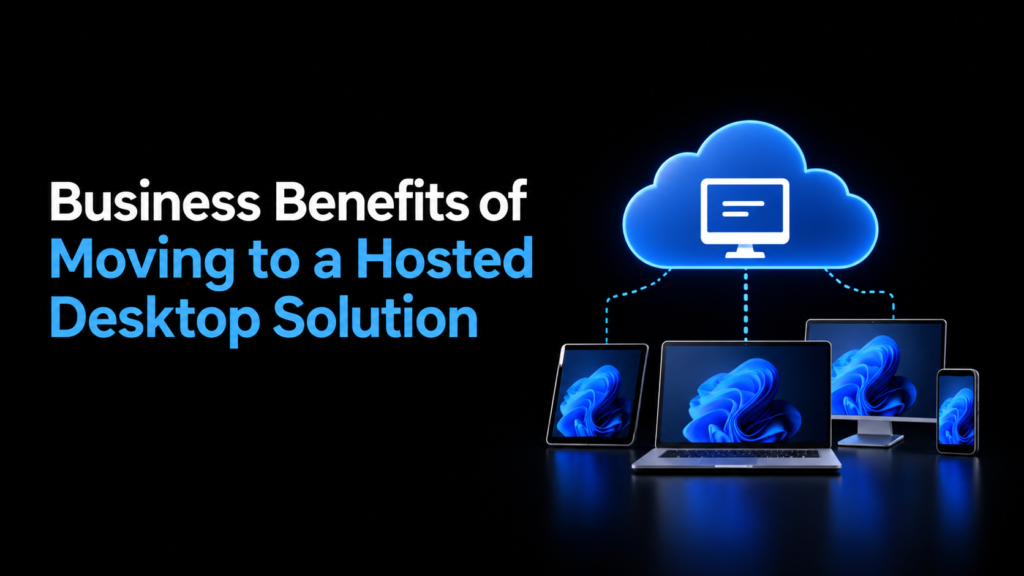
Businesses increasingly want to give employees reliable access to applications and company resources without maintaining complex desktop environments on every device. A hosted desktop solution provides a practical way to deliver a consistent Windows desktop experience in the cloud, letting users access their work environment from supported devices and locations.
Instead of keeping applications, files, and desktop resources tied to individual computers, businesses can host them in a managed cloud environment. This approach can simplify IT management, support remote work, strengthen security controls, and make it easier to scale desktop resources as business requirements change.
1. Lower IT Infrastructure Costs
Maintaining traditional desktop infrastructure can involve high costs. Businesses may need to purchase new computers, upgrade hardware, replace aging devices, install applications, and maintain local servers.
With a hosted desktop solution, much of the computing infrastructure is hosted remotely. Businesses can reduce their dependence on high-performance endpoint devices because processing workloads can take place in the hosted environment.
This can help shift IT spending from large hardware purchases toward a more predictable service-based model. The actual savings will depend on the provider, number of users, applications, storage requirements, and existing infrastructure.
2. Easier Remote and Hybrid Work
Employees are no longer necessarily tied to a particular office computer. A hosted desktop can provide access to the same business desktop environment from different locations, provided the user has an appropriate device, internet connection, and authorization.
This can be useful for:
- Remote employees
- Hybrid teams
- Traveling staff
- Contractors
- Distributed offices
- Temporary workers
Employees can access their applications and work environment without requiring IT teams to configure a separate physical workstation at every location.
3. Centralized Desktop Management
Managing hundreds of individual desktops can create a substantial administrative workload for IT teams. Each device may require software updates, security configurations, troubleshooting, and maintenance.
A hosted desktop environment allows many desktop resources to be managed centrally. Administrators can apply configurations, manage applications, monitor resources, and maintain the underlying infrastructure from a centralized environment.
Centralized management can also make it easier to maintain consistent configurations across users and departments.
4. Improved Security Controls
Security is an important consideration when employees access business systems from multiple locations and devices.
A hosted desktop solution can allow organizations to implement centralized security controls around the hosted environment. Depending on the provider and architecture, these may include access controls, encryption, firewalls, multi-factor authentication, endpoint policies, monitoring, and regular backups.
Keeping business applications and data within a controlled hosting environment can also reduce the amount of sensitive information stored directly on individual endpoints. However, hosted desktops do not automatically make an environment secure; businesses still need appropriate identity, access, endpoint, and data-security policies.
5. Access to Business Applications From Different Devices
Employees often use a mixture of company-owned and personal devices. Supporting different hardware configurations can be challenging when applications require specific operating systems or hardware resources.
A hosted desktop can provide a consistent application environment while allowing users to connect through supported devices.
For example, an employee could use a laptop at home and another computer in the office while accessing the same hosted desktop environment. This can reduce the need to install and configure every application separately on each device.
6. Faster Employee Onboarding
Setting up a new employee traditionally involves purchasing or assigning a device, installing applications, configuring security settings, and granting access to business resources.
With centralized hosted desktops, administrators can provision access to an existing desktop configuration or deploy a standardized environment for new users.
This can reduce repetitive setup tasks and give employees access to the applications they need sooner, depending on the organization’s provisioning process.
The same approach can help when employees leave the company. Administrators can disable access centrally without having to retrieve and reconfigure every system individually.
7. Flexible Scalability
Business requirements can change quickly. A company may need additional desktops during seasonal periods, new projects, acquisitions, or periods of growth.
A hosted desktop environment can make it easier to add or remove users and allocate resources according to changing requirements. Instead of purchasing physical computers for every increase in headcount, organizations can provision additional hosted desktop resources through their provider.
This flexibility can be particularly useful for businesses with fluctuating staffing levels or distributed teams.
8. Simplified Software Deployment
Installing the same applications and configurations across many physical computers can take considerable time. Differences between devices can also create compatibility and support issues.
With centralized desktop environments, applications can be deployed and maintained within a controlled infrastructure. Administrators can establish standardized desktop images or configurations and make approved applications available to specific users or groups.
This can help reduce configuration inconsistencies and make software administration more manageable.
9. Business Continuity and Data Protection
Hardware failures, lost devices, and local infrastructure problems can interrupt normal operations. A hosted desktop environment can move more of the business computing workload into professionally managed infrastructure.
Depending on the hosting provider and service configuration, organizations may have access to features such as automated backups, redundant infrastructure, disaster recovery options, and data retention policies.
These capabilities can support business continuity planning, but organizations should verify exactly what backup and disaster recovery services are included rather than assuming they are part of every hosted desktop package.
10. Reduced Hardware Dependency
Traditional desktop computing often requires businesses to maintain hardware capable of running demanding applications. Over time, computers may become outdated even when they remain functional for basic tasks.
Because computing resources are hosted remotely, organizations may be able to extend the useful life of some endpoint devices. Users can connect to their hosted desktops without requiring every local device to provide the same level of processing power.
This can be especially useful when employees primarily need access to applications and centralized business resources rather than intensive local computing.
11. More Consistent User Experience
Different computers can have different operating systems, application versions, configurations, and security settings. This can make troubleshooting more difficult.
A centralized hosted desktop environment can provide users with a standardized workspace. Employees working from different locations can access the same applications and desktop configuration, subject to their assigned permissions.
A consistent environment can also simplify IT support because technicians have fewer desktop configurations to troubleshoot.
12. Easier IT Support
When applications and desktop environments are centralized, IT teams can manage many administrative tasks remotely. Instead of visiting individual workstations for every issue, technicians can troubleshoot the hosted environment and user access remotely.
Centralized management can also provide greater visibility into system configurations and resources, helping IT teams identify and resolve certain issues without physically accessing an employee’s computer.
13. Better Support for Distributed Businesses
Companies with multiple offices may otherwise need to maintain computing infrastructure at several locations. A hosted desktop model can centralize desktop resources while allowing employees in different offices to access them.
This can simplify infrastructure planning for organizations with:
- Multiple branches
- Remote employees
- Regional offices
- Distributed teams
- Temporary project locations
The effectiveness of this approach depends on network connectivity, application requirements, latency, and the design of the hosted environment.
14. Predictable Desktop Management
Managing physical desktops involves multiple variables, including hardware replacement, software licensing, maintenance, security updates, and technical support.
A hosted desktop service can consolidate many of these responsibilities into a managed environment. Businesses can select resources based on their requirements and adjust them as those requirements change.
This can make desktop infrastructure easier to plan, particularly for organizations that prefer a managed approach instead of maintaining all desktop infrastructure internally.
Conclusion
Moving to a hosted desktop solution can help businesses centralize desktop management while providing employees with flexible access to their work environment. Potential benefits include reduced hardware dependency, easier remote work, centralized security controls, simpler application management, scalable resources, and more efficient IT support.
For businesses considering a managed cloud desktop environment, Apps4Rent provides hosted desktop and cloud solutions designed for business users, with options for different resource requirements and access needs. Its services include 24/7/365 support, security-focused infrastructure, daily backups, and access across supported devices. Businesses can evaluate their application, user, and infrastructure requirements with Apps4Rent to determine an appropriate hosted desktop setup.
